Marimo
Integrate your StarRocks cluster with Marimo, a reactive Python notebook built for reproducibility and interactivity.
Prerequisites
First, start by installing Marimo and setting up a notebook according to the Marimo quickstart documentation.
You will also need the following packages:
pip install starrocks sqlalchemy pandas
Connecting to StarRocks
Use SQLAlchemy to create a connection engine. The connection string format is:
starrocks://username:password@host:port/database
import marimo as mo
import sqlalchemy as sa

engine = sa.create_engine("starrocks://username:password@<host>:9030")
Replace <host> with your StarRocks FE host.
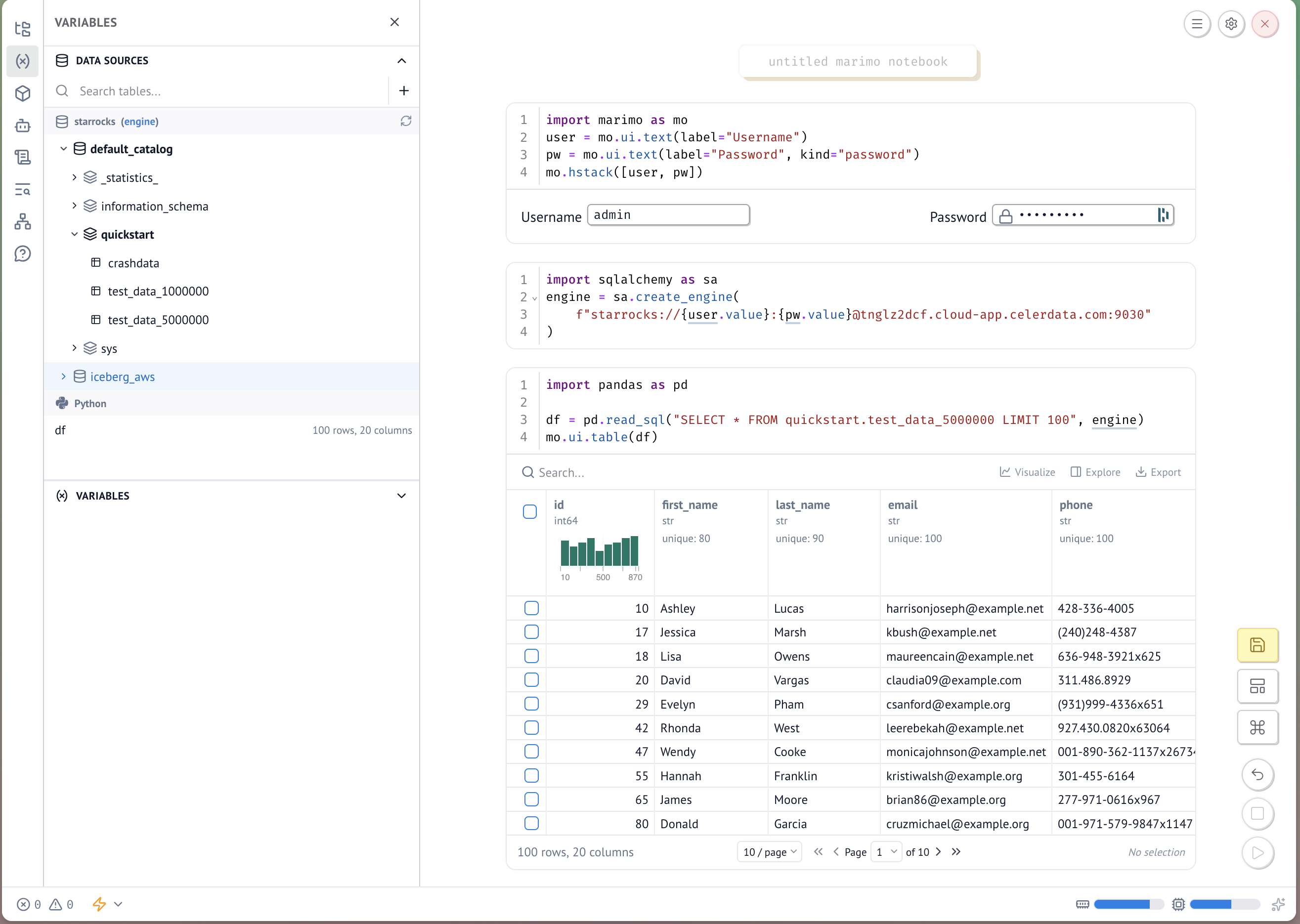
Using Marimo UI for credentials
To avoid hardcoding credentials, use Marimo's interactive UI elements to collect them at runtime.
Cell 1 — render input fields:
user = mo.ui.text(label="Username")
pw = mo.ui.text(label="Password", kind="password")
mo.hstack([user, pw])
Cell 2 — create the engine using the entered values:
engine = sa.create_engine(
    f"starrocks://{user.value}:{pw.value}@<host>:9030"
)
Querying StarRocks
With the engine established, use pandas to run queries:
import pandas as pd

df = pd.read_sql("SELECT * FROM my_database.my_table LIMIT 100", engine)
mo.ui.table(df)
note
Multi-catalog support requires Marimo version 0.22.5 or later.
